HD image discovery
Lists the largest srcset variant or full-size image source available on the page.
 Images
Find HD image sources on the current page, download selected images and capture the visible area as a PNG.

Lists the largest srcset variant or full-size image source available on the page.
Download selected images one by one or save a batch through Chrome downloads.
Capture the current viewport, copy it to the clipboard or save it as PNG.
Image Downloader – Save All Images & Screenshot screenshot 1
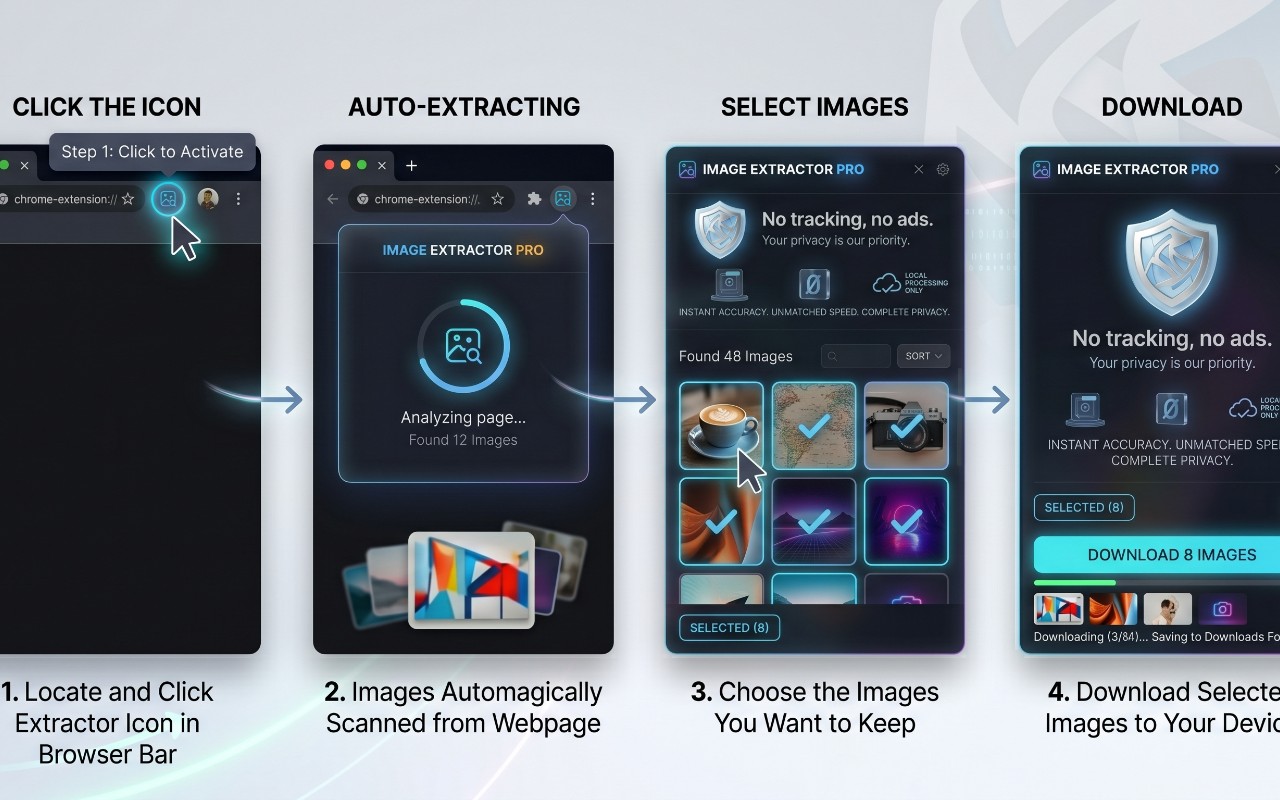
Image Downloader – Save All Images & Screenshot screenshot 2
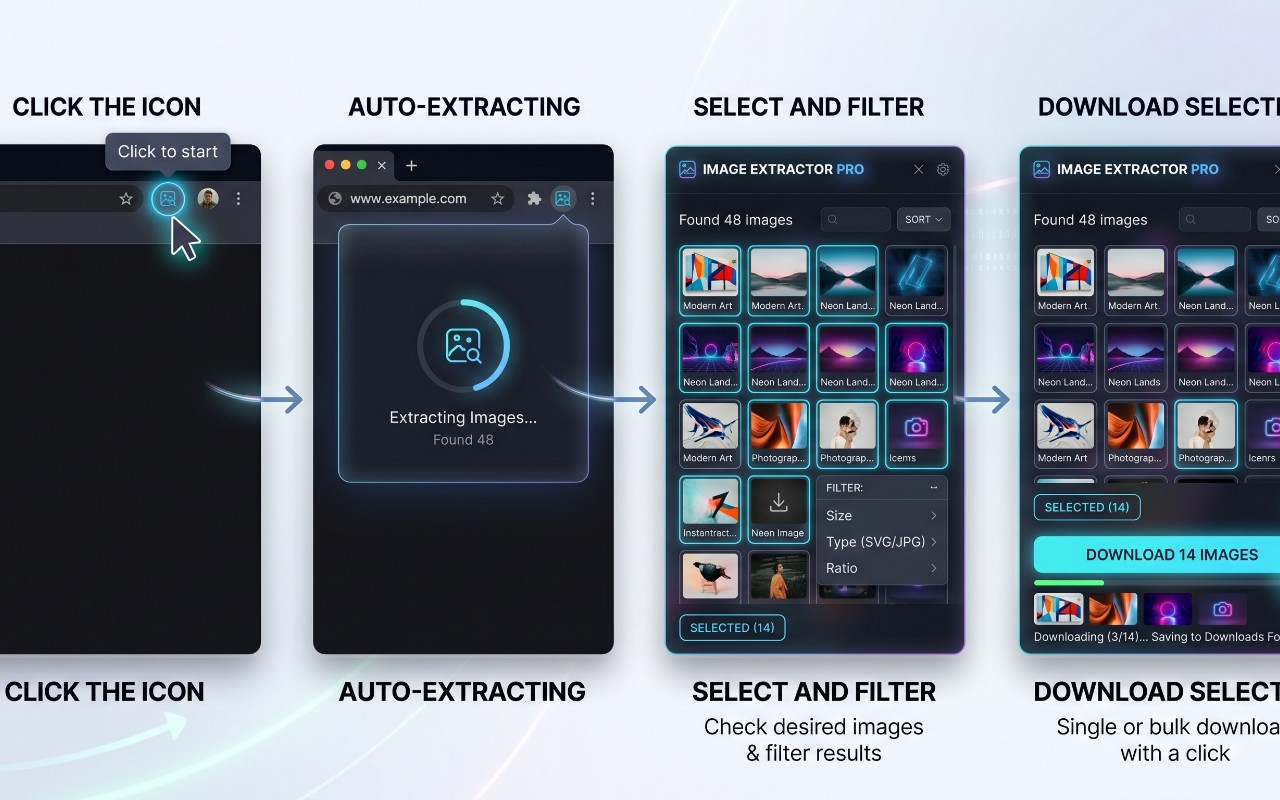
Image Downloader – Save All Images & Screenshot screenshot 3

Image Downloader – Save All Images & Screenshot screenshot 4
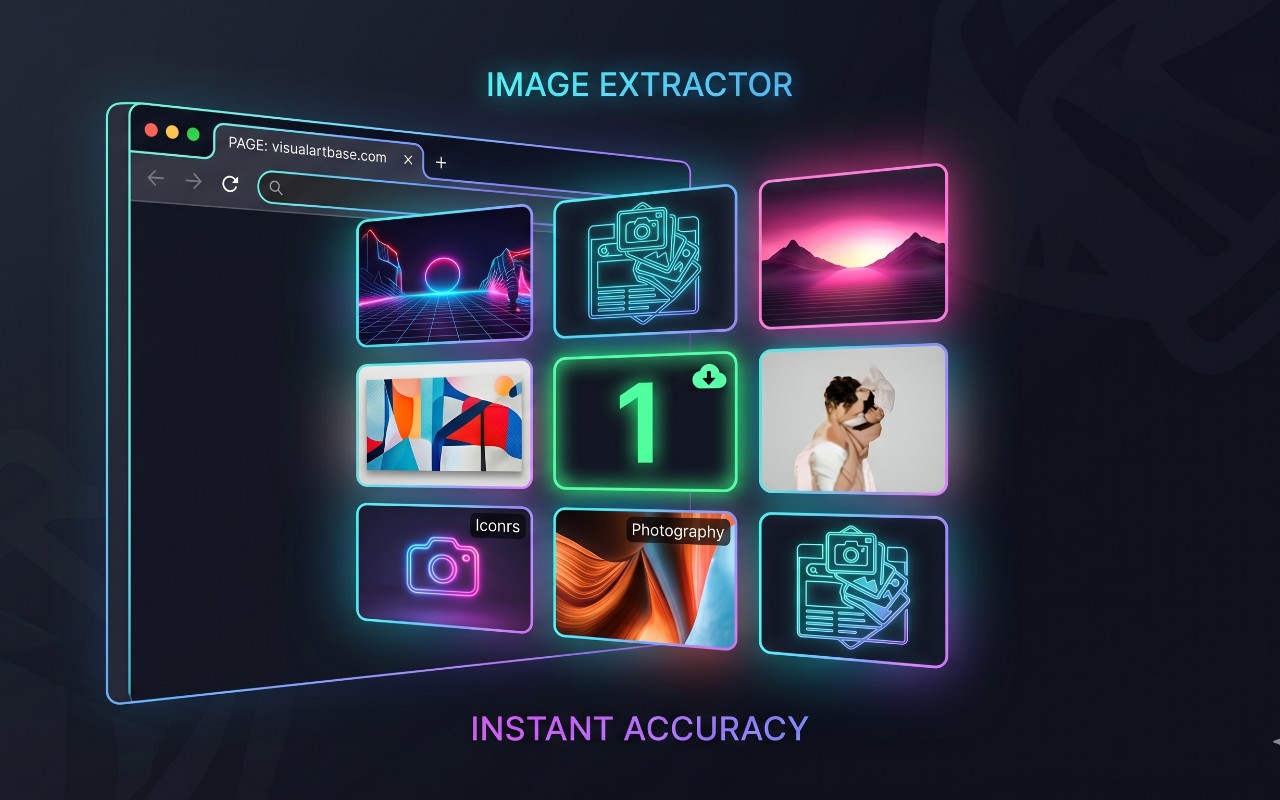
Image Downloader – Save All Images & Screenshot screenshot 5

Image Downloader – Save All Images & Screenshot screenshot 6


Turn cluttered articles into clean, focused reading pages with adjustable typography and distraction-free layout.
 New
New

Copy any web page as clean Markdown for AI assistants and notes.


Copy the current page title and URL in plain text, Markdown or HTML formats with one quick browser action.