Clean reading view
Removes ads, sidebars and visual clutter so long articles are easier to read.
 Search & Browsing
Turn cluttered articles into clean, focused reading pages with adjustable typography and distraction-free layout.

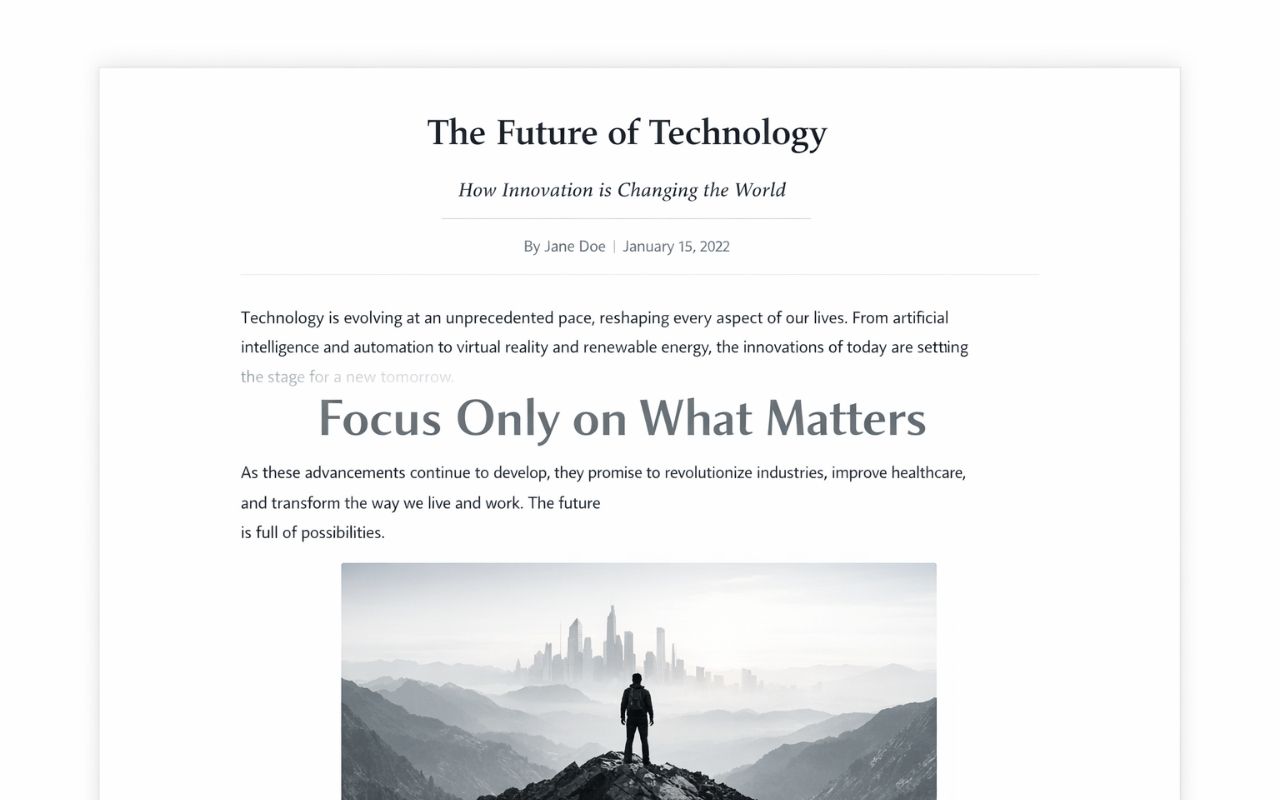
Removes ads, sidebars and visual clutter so long articles are easier to read.
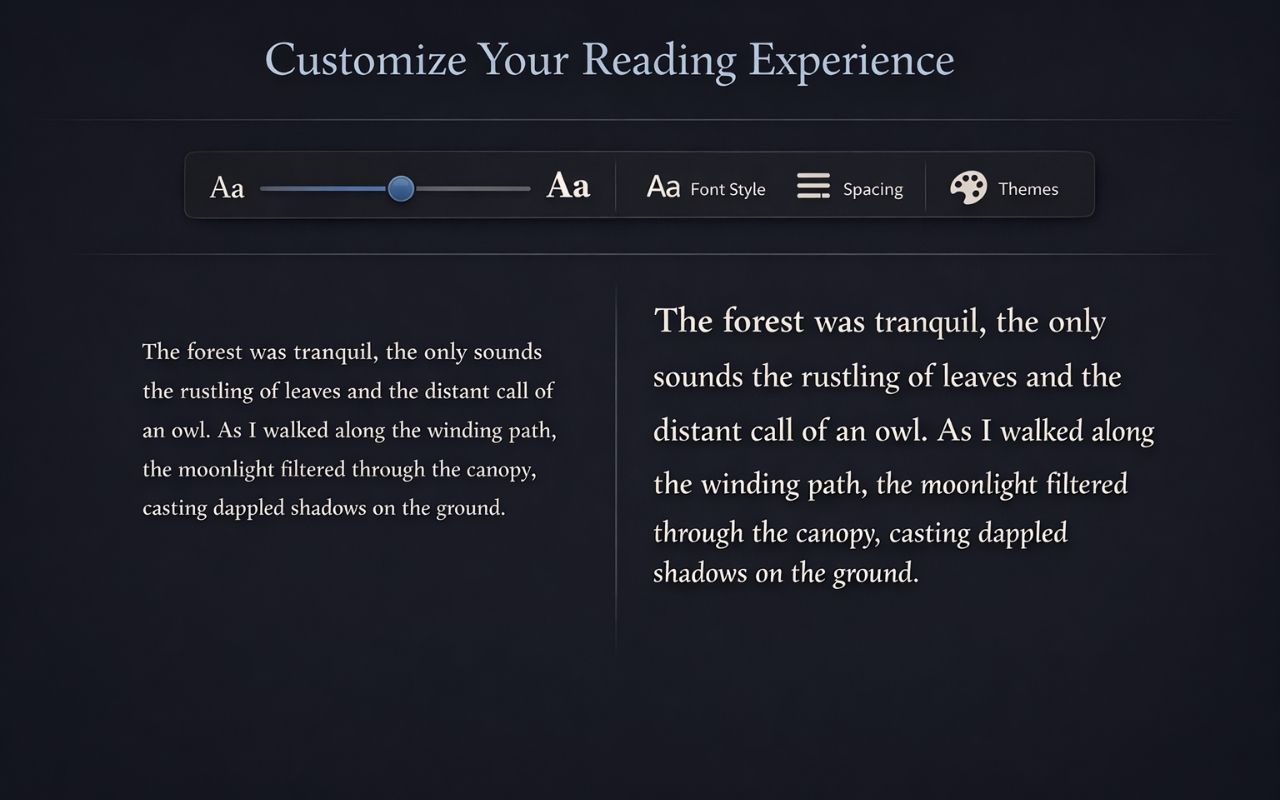
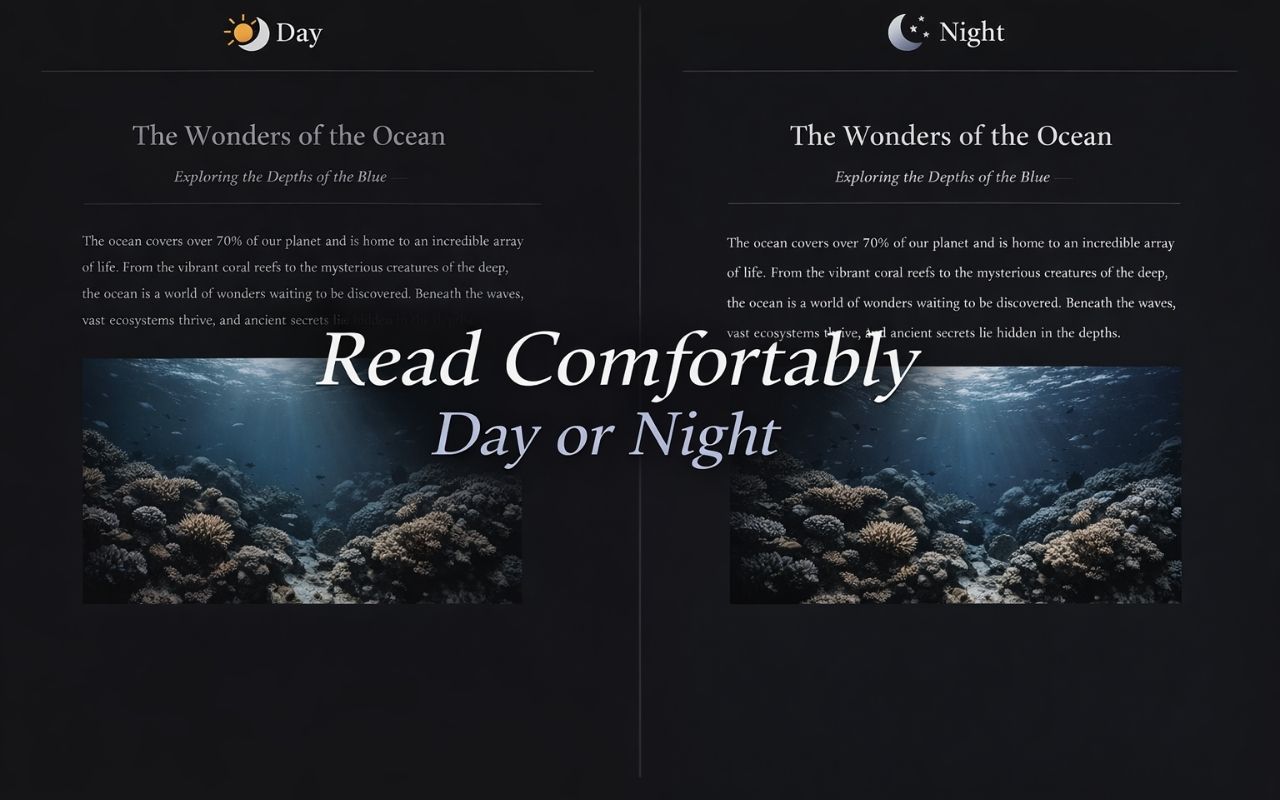
Adjust typography and use a calmer layout for focused reading sessions.
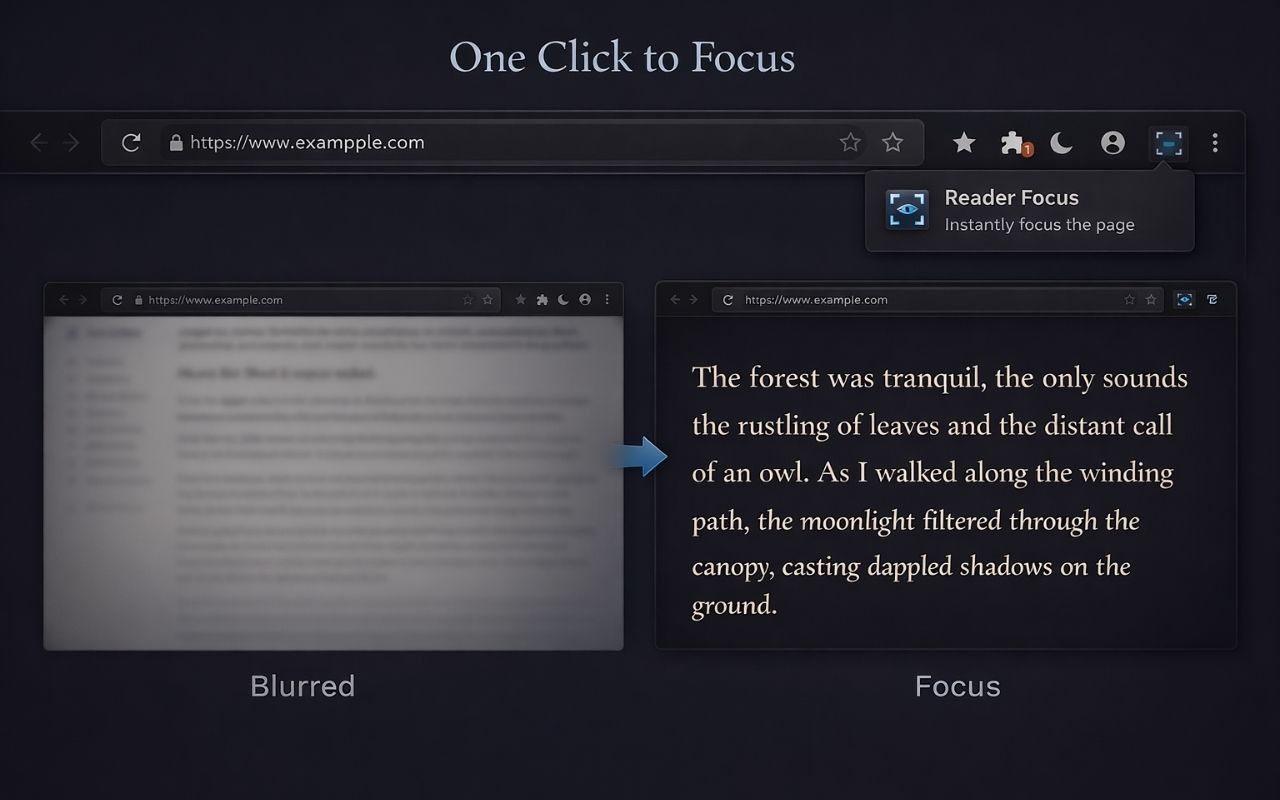
Runs when you activate it on the current tab and does not send page content to a server.
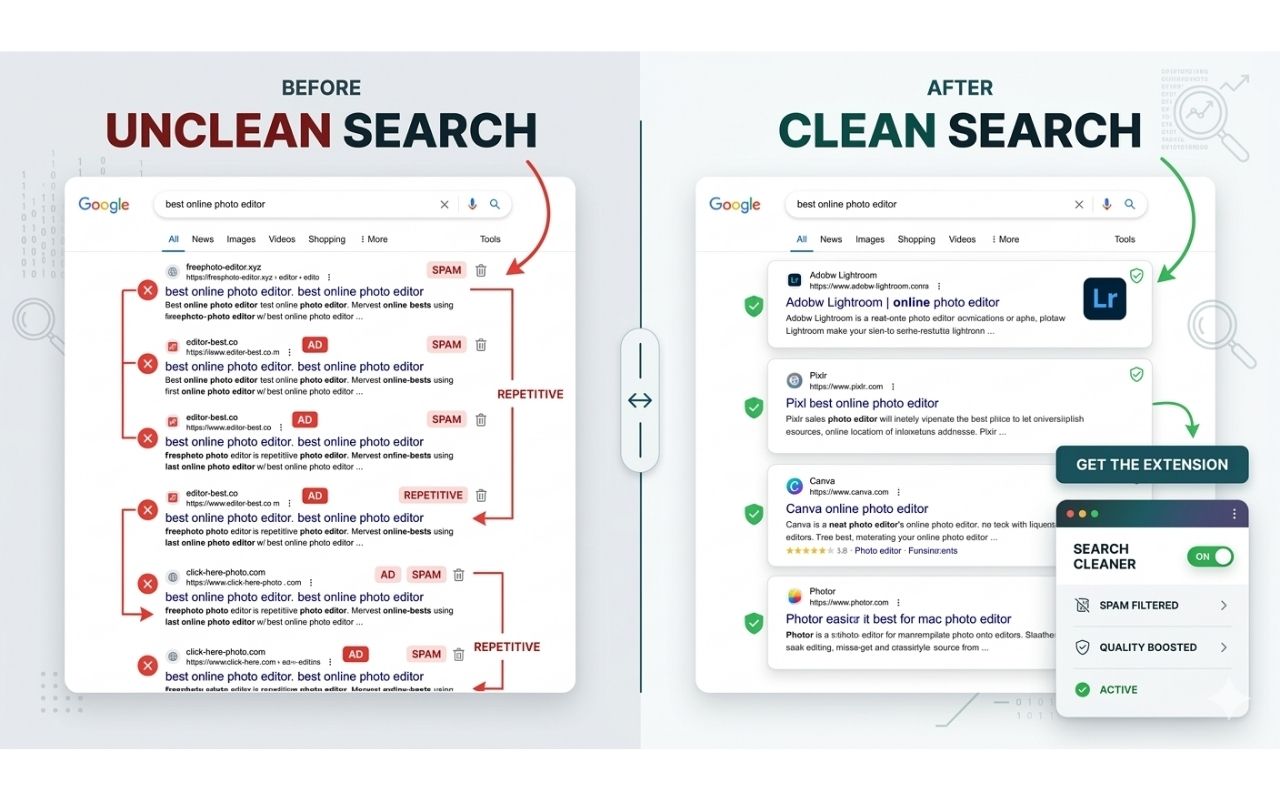

Hide unwanted domains from Google Search results using a local blocklist that you control and can update anytime.
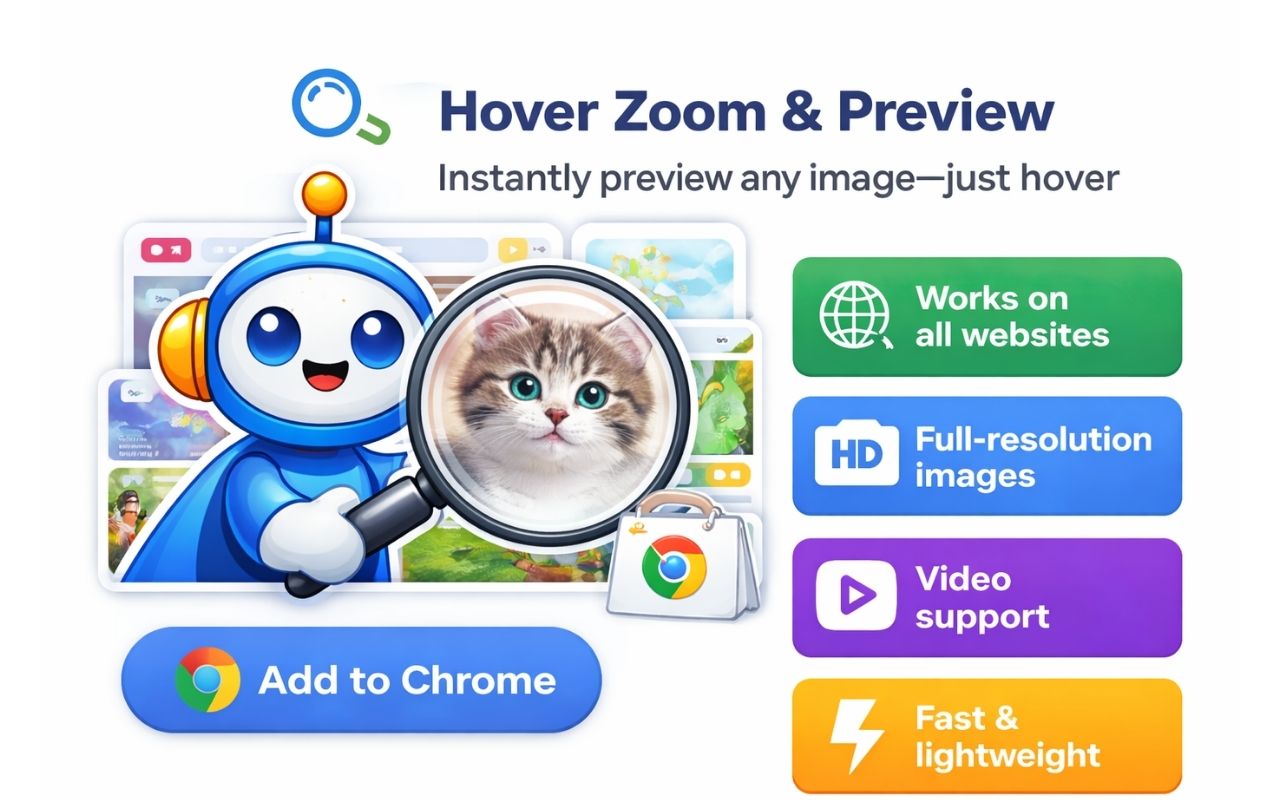

Preview full-size images and supported videos by hovering, without opening new tabs or sending browsing data away.


Preview links before you open them, keeping your current page in place while you check the destination quickly.