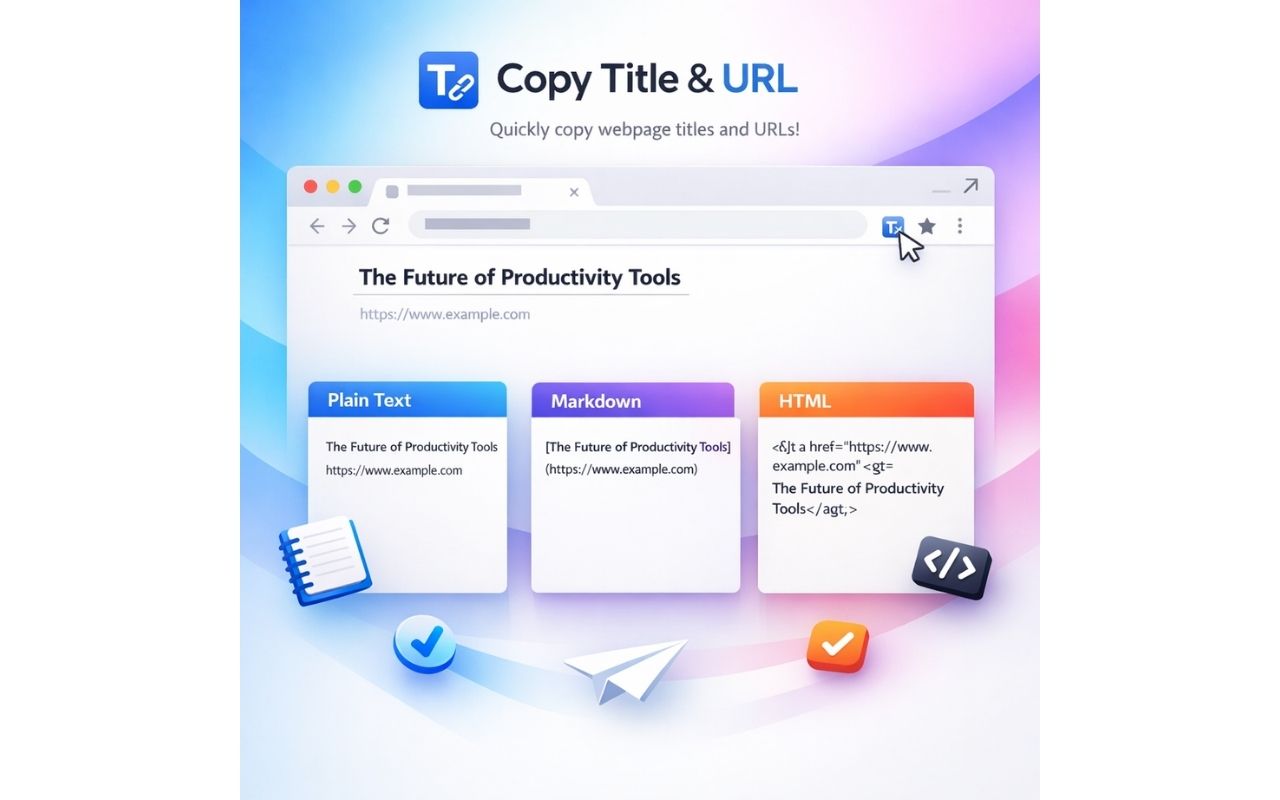
One-click copy
Copies the page title and URL without selecting text or editing the link manually.
 Writing & Research
Copy the current page title and URL in plain text, Markdown or HTML formats with one quick browser action.

Copies the page title and URL without selecting text or editing the link manually.
Choose plain text, Markdown or HTML depending on where you want to paste the link.
Useful for research notes, documentation, tickets and shared reading lists.
 New
New

Copy any web page as clean Markdown for AI assistants and notes.


Generate likely business email patterns from visible LinkedIn profile details and a company domain you enter.
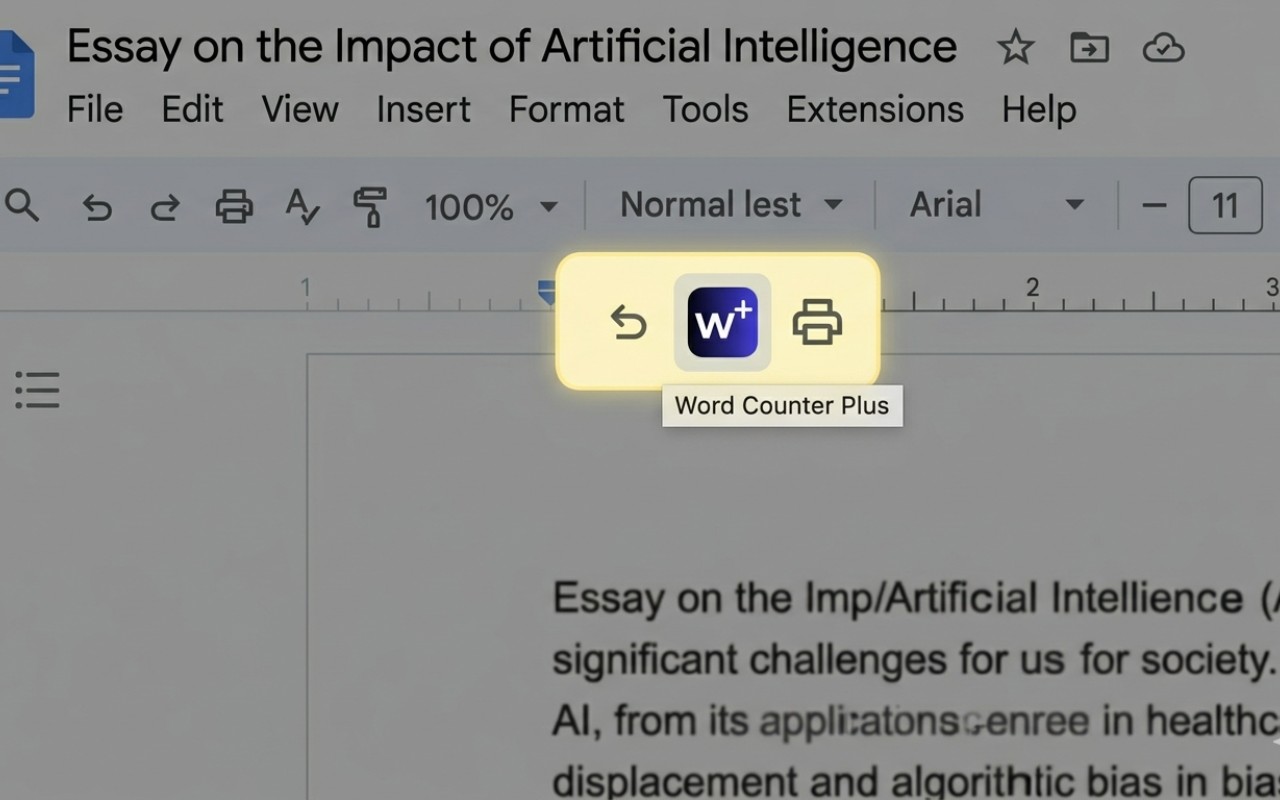

See word count, reading time, paragraph stats and writing metrics while working inside Google Docs.