Clean main content
Ads, menus, cookie banners and sidebars are left out; the article itself is kept.
 Writing & ResearchNew
Copy any web page as clean Markdown, ready for your AI assistant and your notes.

Ads, menus, cookie banners and sidebars are left out; the article itself is kept.
Headings, lists, links, tables and code blocks (with their language) come through as proper Markdown.
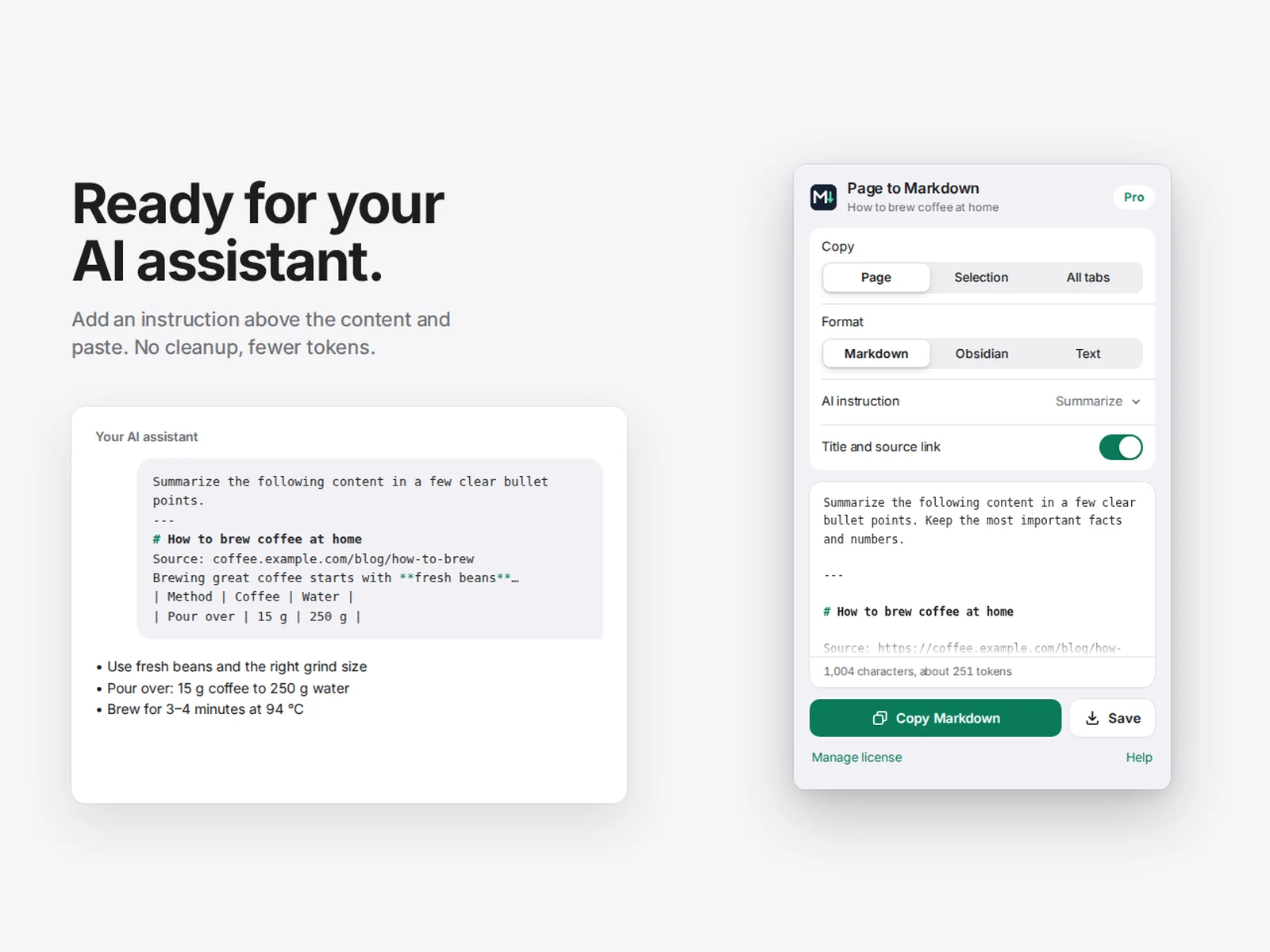
See roughly how many tokens the content will use before you paste it into an AI chat.
Put "Summarize", "Key points", "Explain simply", "Translate" or your own instruction above the content.
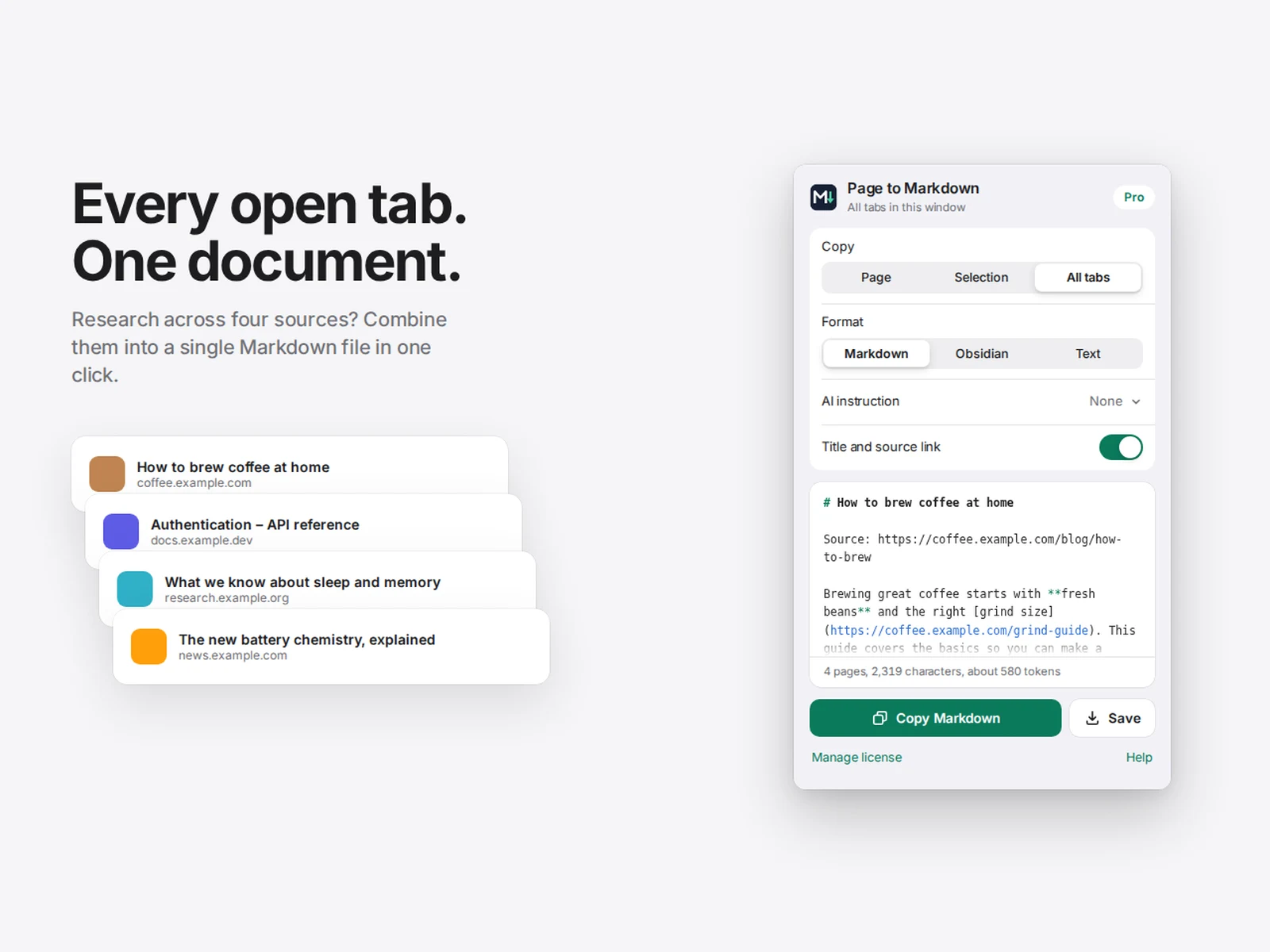
Copy just the part you highlighted, or merge every open tab into one document.
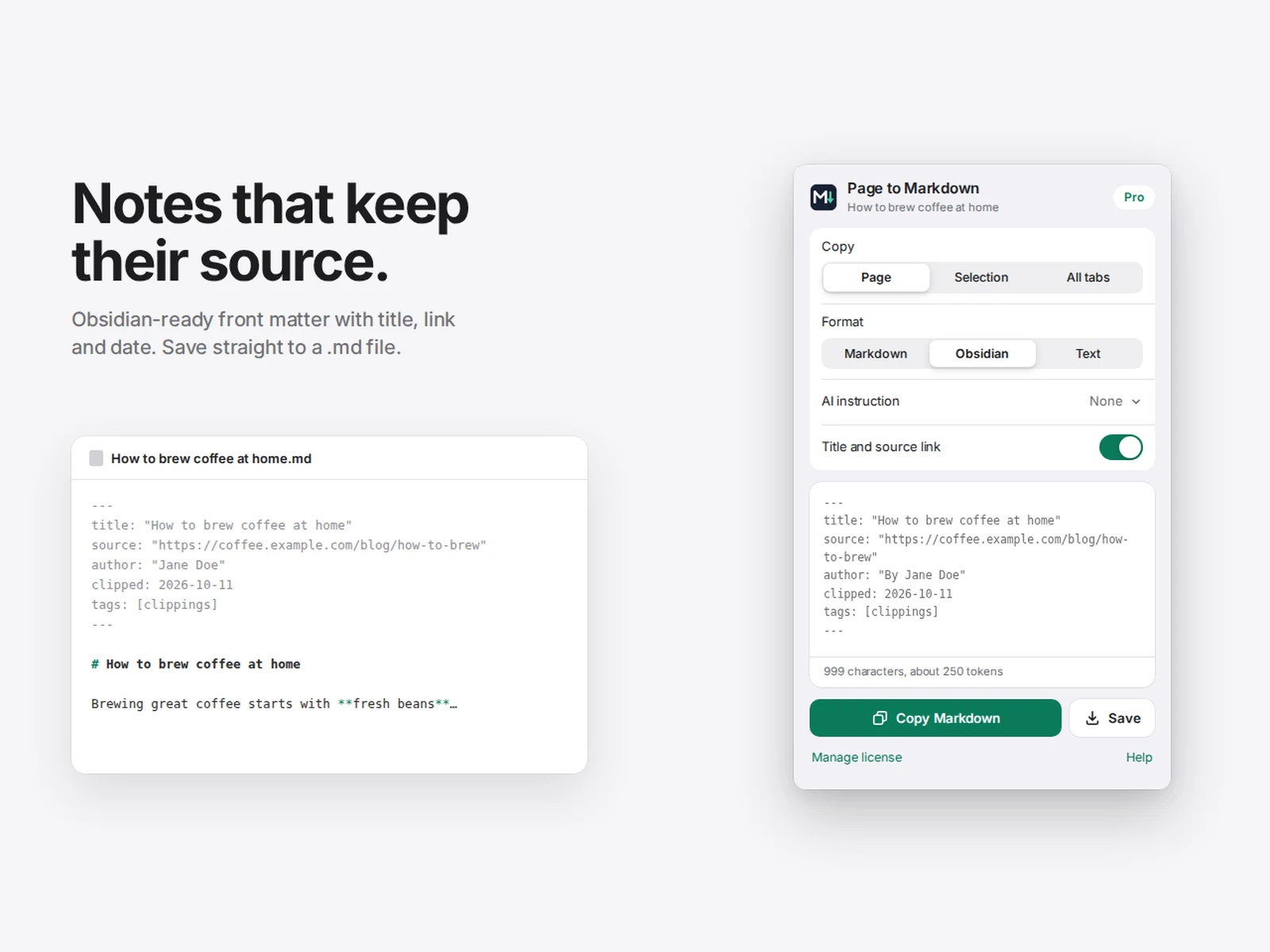
Front matter with title, source and date; save straight to a Markdown file.
Pro is unlocked with a license key from inside the extension.
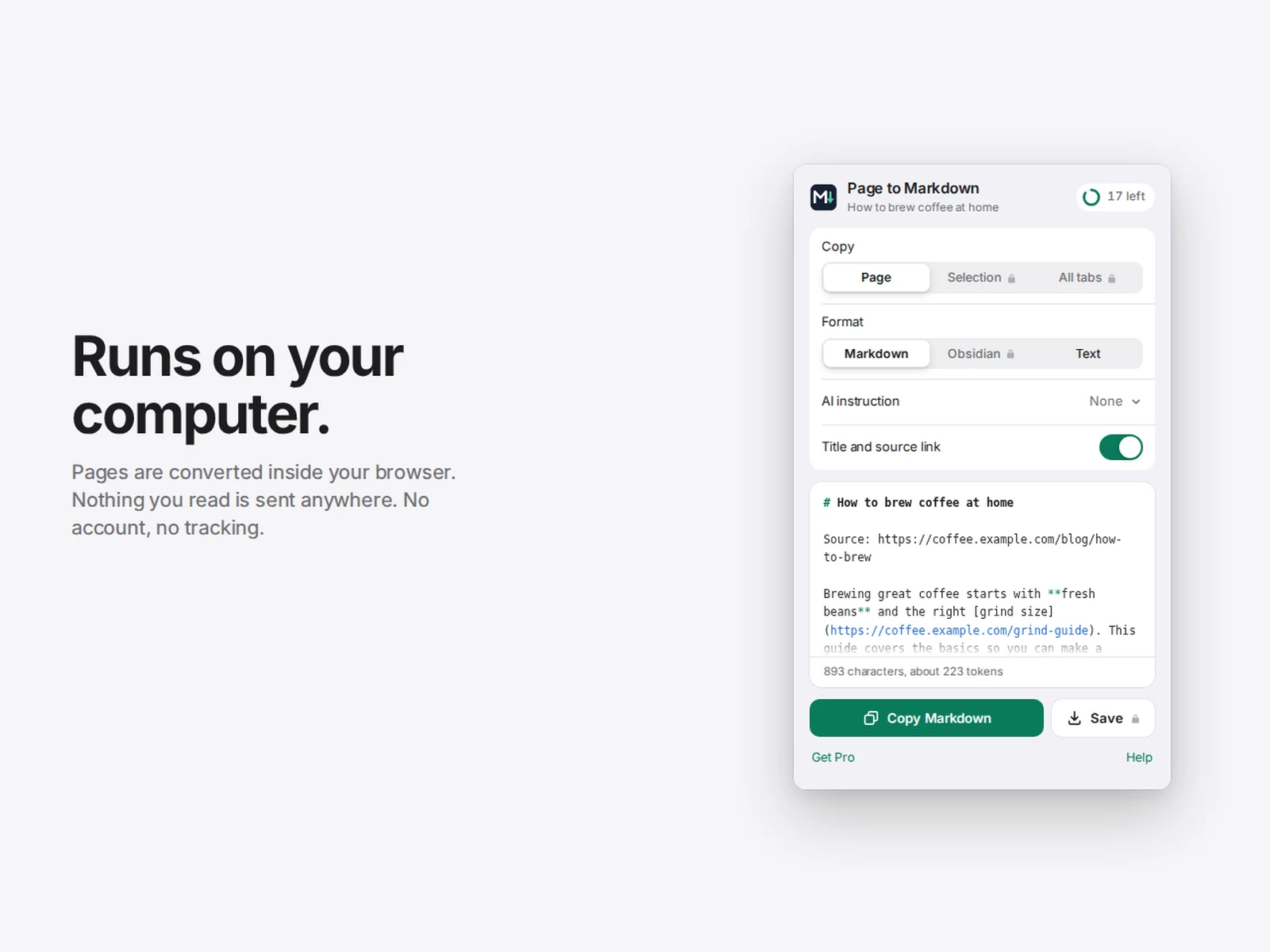
No. Conversion happens in your browser. Free users send only an anonymous counter request so the daily limit works.
No. It's a one-time payment of $9.99 and the license works on up to three browsers.
Chrome blocks extensions on some pages, such as browser settings and the Chrome Web Store.


Copy the current page title and URL in plain text, Markdown or HTML formats with one quick browser action.


Generate likely business email patterns from visible LinkedIn profile details and a company domain you enter.
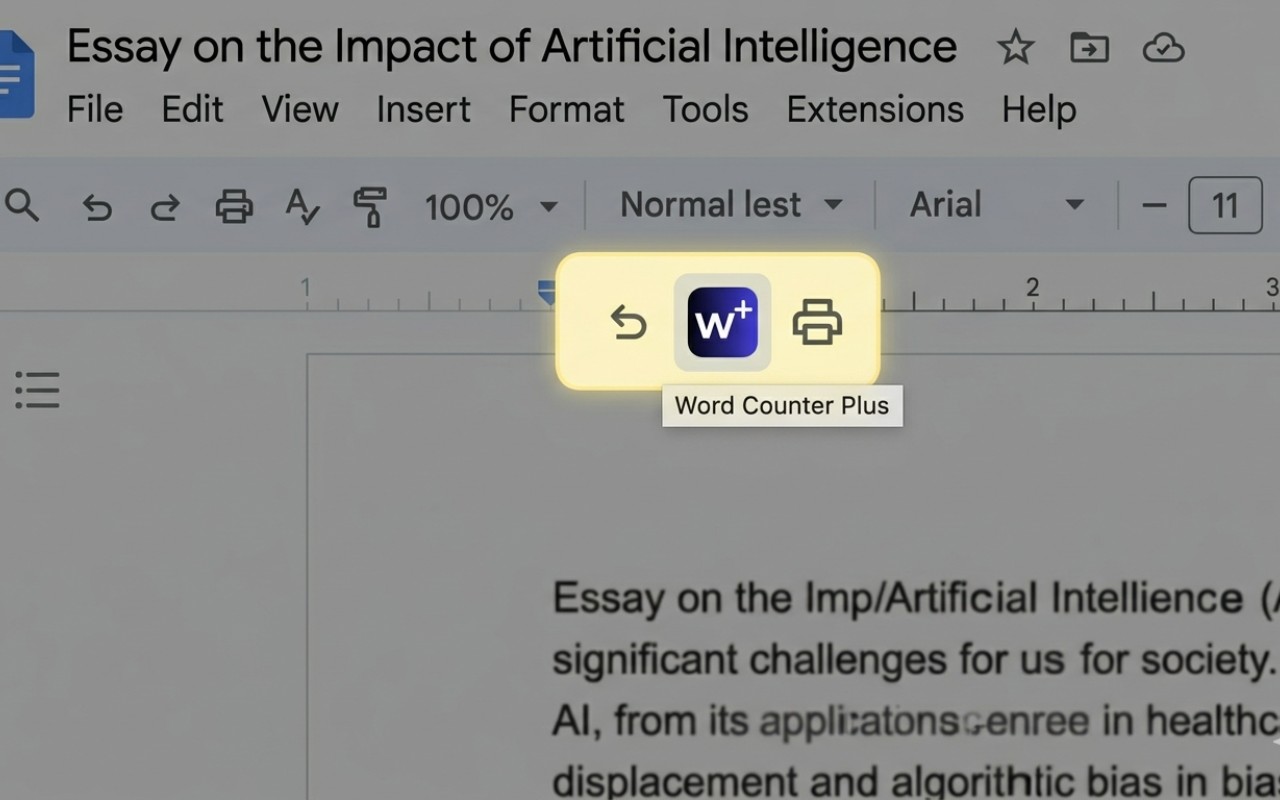

See word count, reading time, paragraph stats and writing metrics while working inside Google Docs.