MapAudit – Local SEO Audit & Lead Export for Maps iconSearch & BrowsingNew

MapAudit – Local SEO Audit & Lead Export for Maps

Audit any business profile on Google Maps in one click and turn searches into lead lists.

Coming soon to Chrome Web StorePrivacy policy
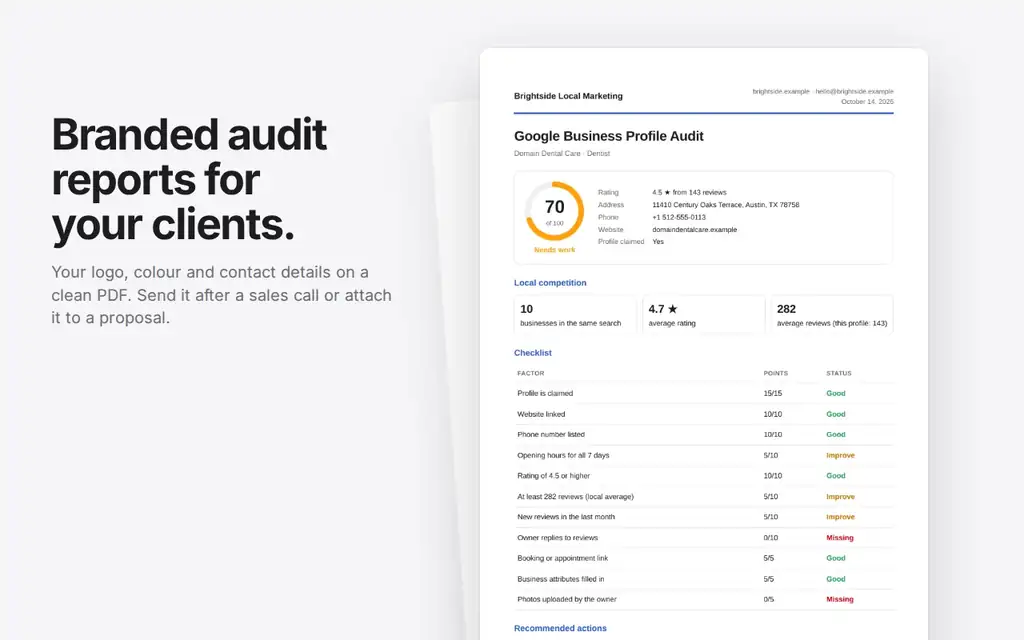
MapAudit – Local SEO Audit & Lead Export for Maps screenshot

What it does

1

11-point profile audit with fixes

Review profile completeness and surface actionable fixes in one click.

2

Competitor comparison in the same search

Compare nearby business profiles while you audit the current result.

3

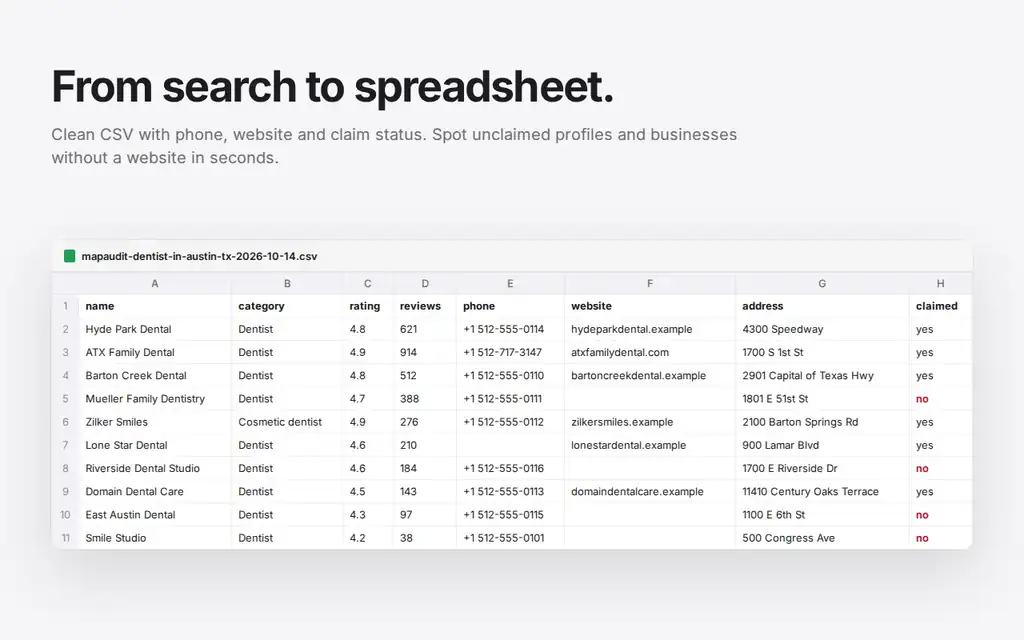
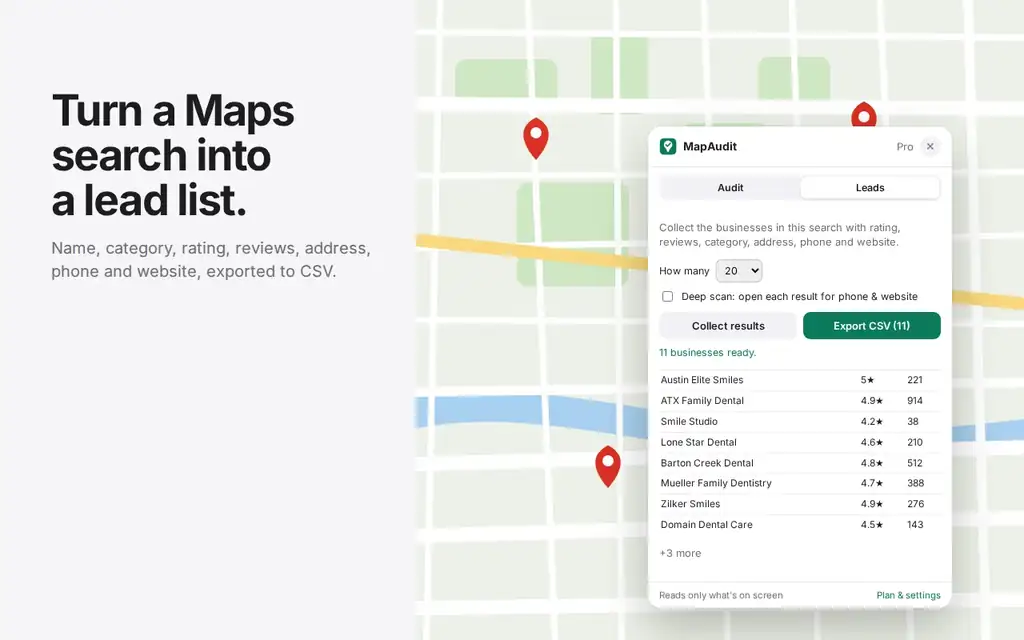
Lead export to CSV

Turn audited businesses into a practical lead list with a CSV export.

4

Deep scan for phones and websites (Pro)

Scan deeper contact details when you need richer prospecting data.

5

Branded PDF reports (Pro)

Create client-ready reports with your agency branding.

Free and Pro

Free

  • 5 audits/day
  • 1 export/day up to 20 rows

Pro

  • $12/month or $99/year
  • Unlimited audits and exports
  • Up to 500 rows
  • Deep scan
  • Branded PDF reports

MapAudit is an independent tool and is not affiliated with or endorsed by Google.

How to use

  1. Open a Google Maps search.
  2. Click the MapAudit extension and run an audit.
  3. Review results, compare competitors or export a lead list.

Permissions

Google Maps pages

Reads publicly visible business details when you use the audit panel.

storage

Saves settings, usage counters, branding and license status locally.

api.lemonsqueezy.com (optional)

Verifies a Pro license key when you activate it.

More extensions

Universal Reading Mode screenshot
Universal Reading Mode icon

Universal Reading Mode

Turn cluttered articles into clean, focused reading pages with adjustable typography and distraction-free layout.
Google Search Result Cleaner screenshot
Google Search Result Cleaner icon

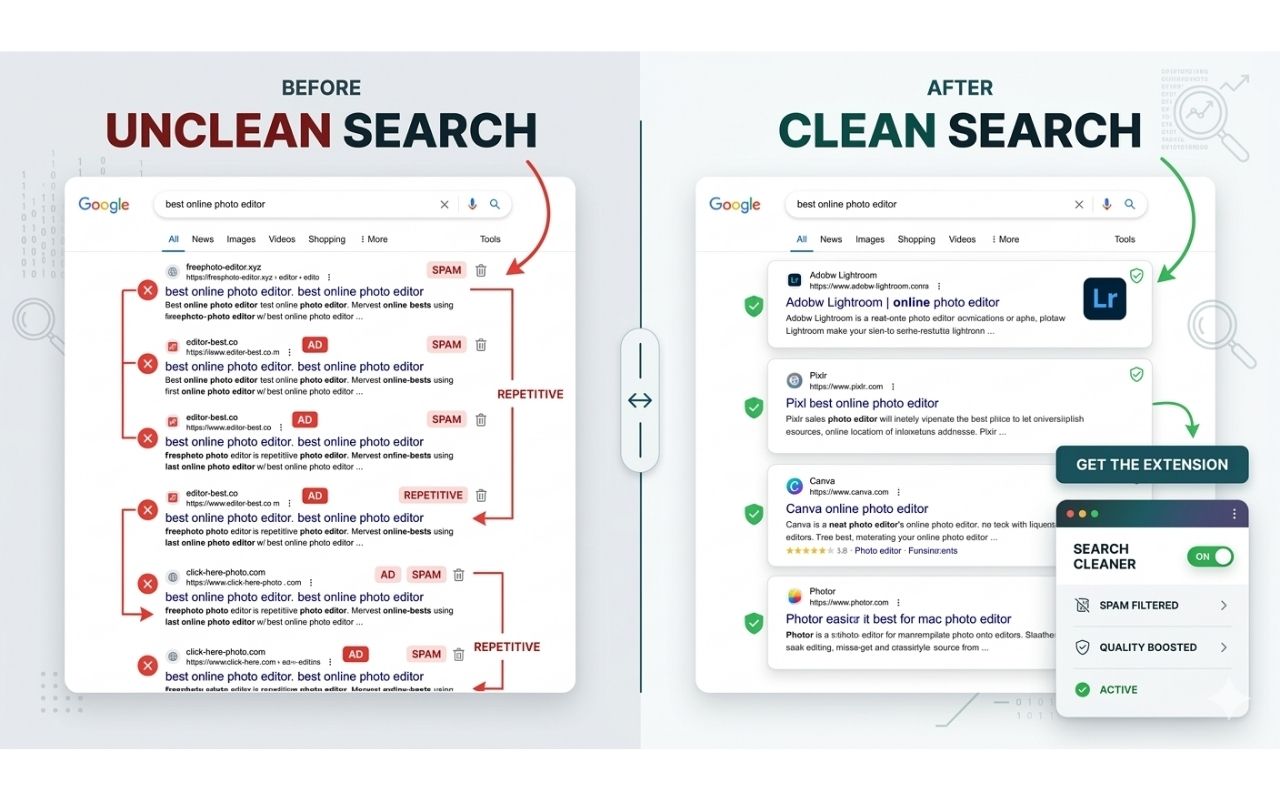
Google Search Result Cleaner

Hide unwanted domains from Google Search results using a local blocklist that you control and can update anytime.

Hover Zoom & Preview screenshot
Hover Zoom & Preview icon

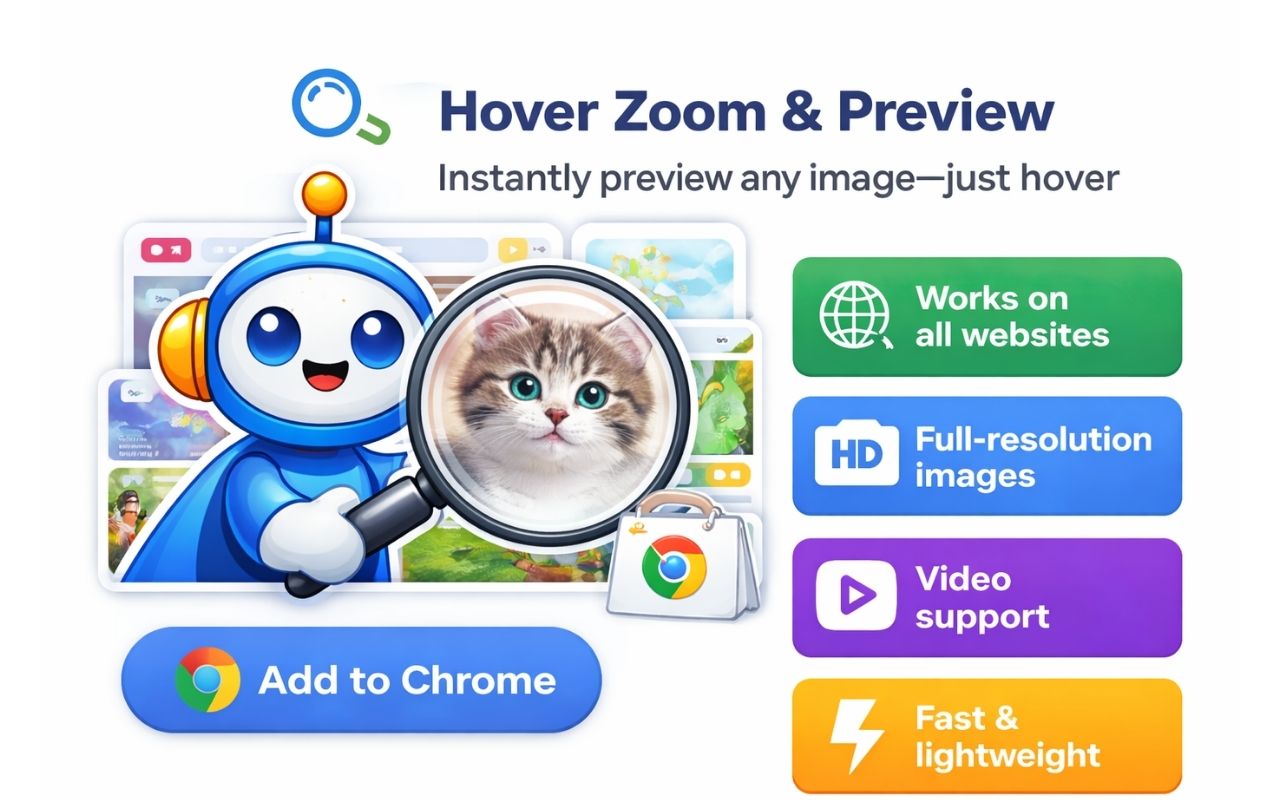
Hover Zoom & Preview

Preview full-size images and supported videos by hovering, without opening new tabs or sending browsing data away.
Questions or bug reports? Contact us.