Timestamped notes
Save notes tied to exact moments in a YouTube video.
 YouTube
Save timestamped notes on YouTube videos, revisit exact moments and export your notes for study or research.

Save notes tied to exact moments in a YouTube video.
Click a saved note to return to that video timestamp quickly.
Notes and timestamps are stored in Chrome storage and are not sent to Kominike servers.
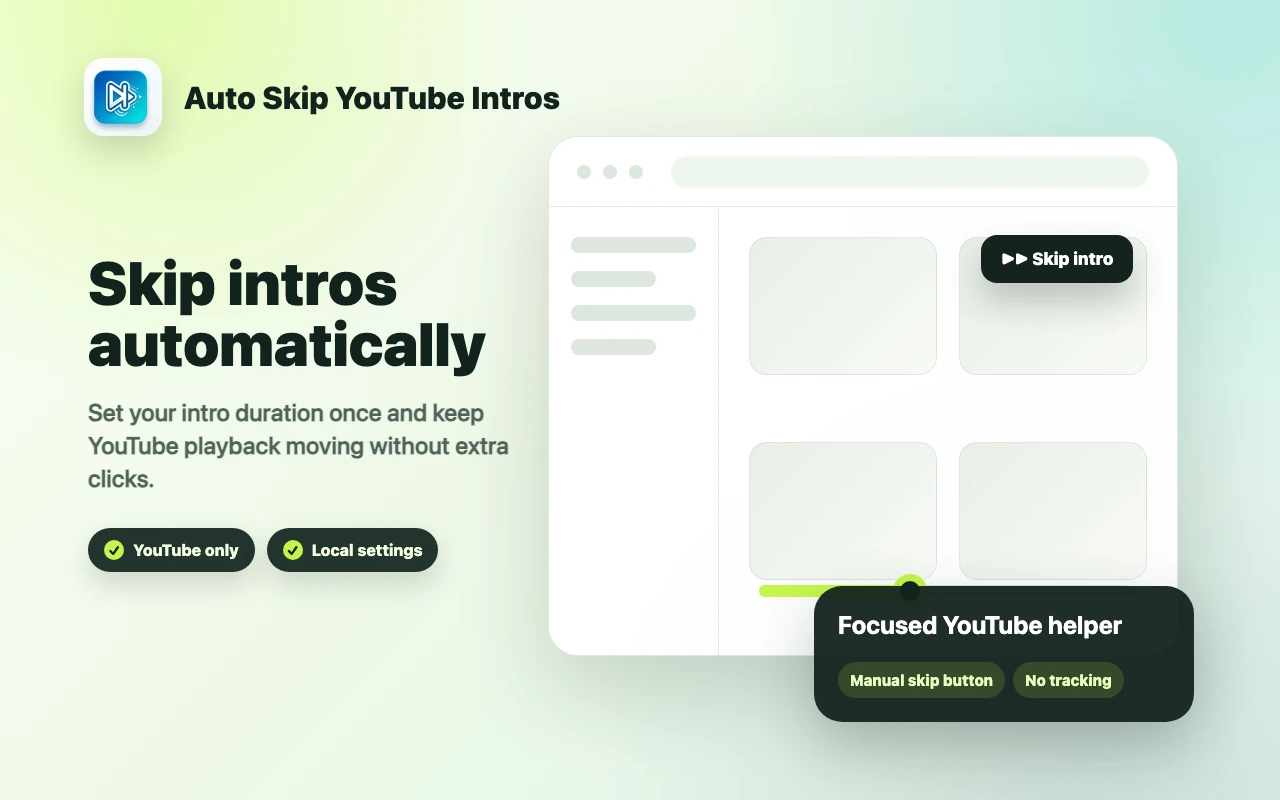

Skip repetitive YouTube intros with a saved duration, simple toggle controls and an optional manual skip button.
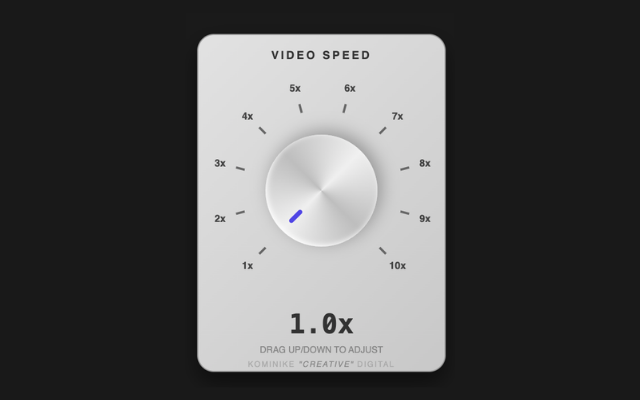

Speed up videos from 1x to 10x with a vintage-style knob or your mouse wheel on YouTube, X, Facebook, Instagram and Vimeo.
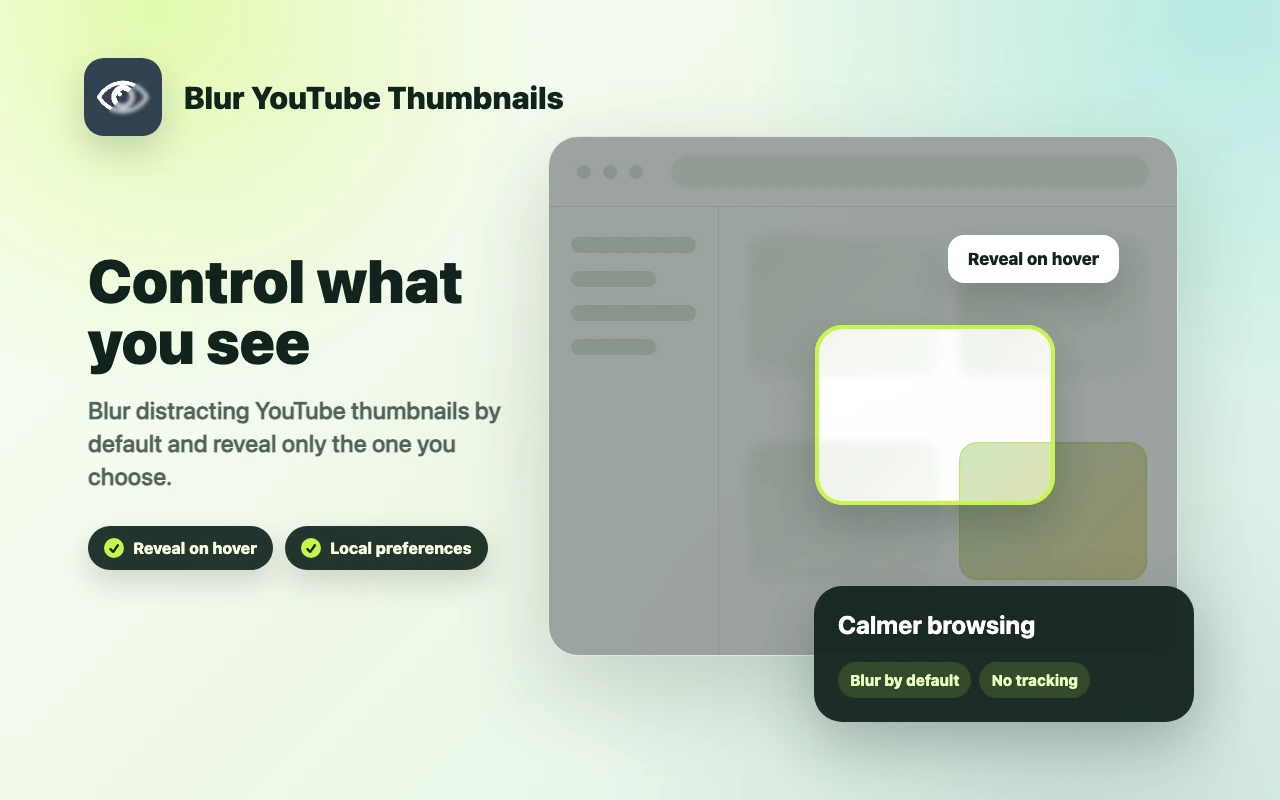

Blur YouTube thumbnails by default and reveal them on hover so browsing feels calmer and less clickbait-driven.


