Calmer YouTube browsing
Blurs thumbnails so recommendations feel less visually aggressive.
 YouTube
Blur YouTube thumbnails by default and reveal them on hover so browsing feels calmer and less clickbait-driven.
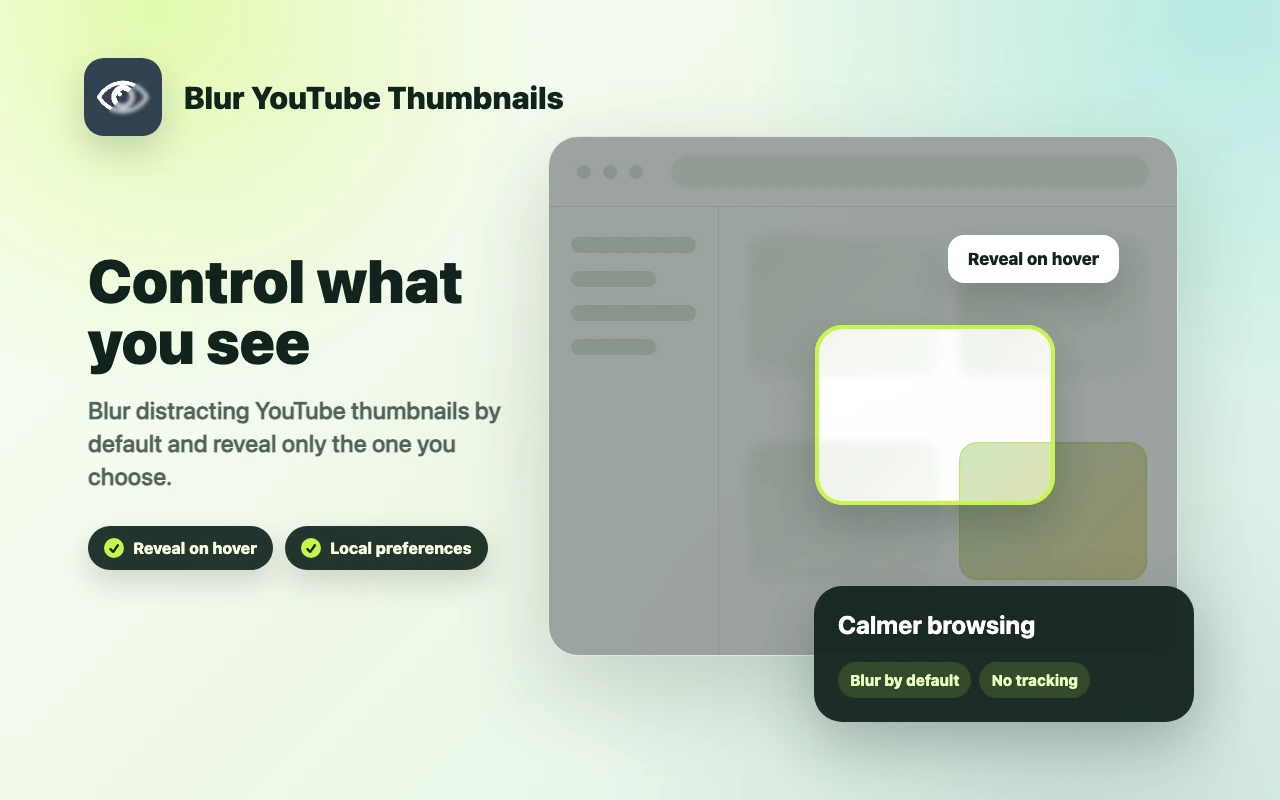
Blurs thumbnails so recommendations feel less visually aggressive.
Temporarily reveal thumbnails when you actively choose to inspect them.
Stores blur preferences locally through Chrome storage.
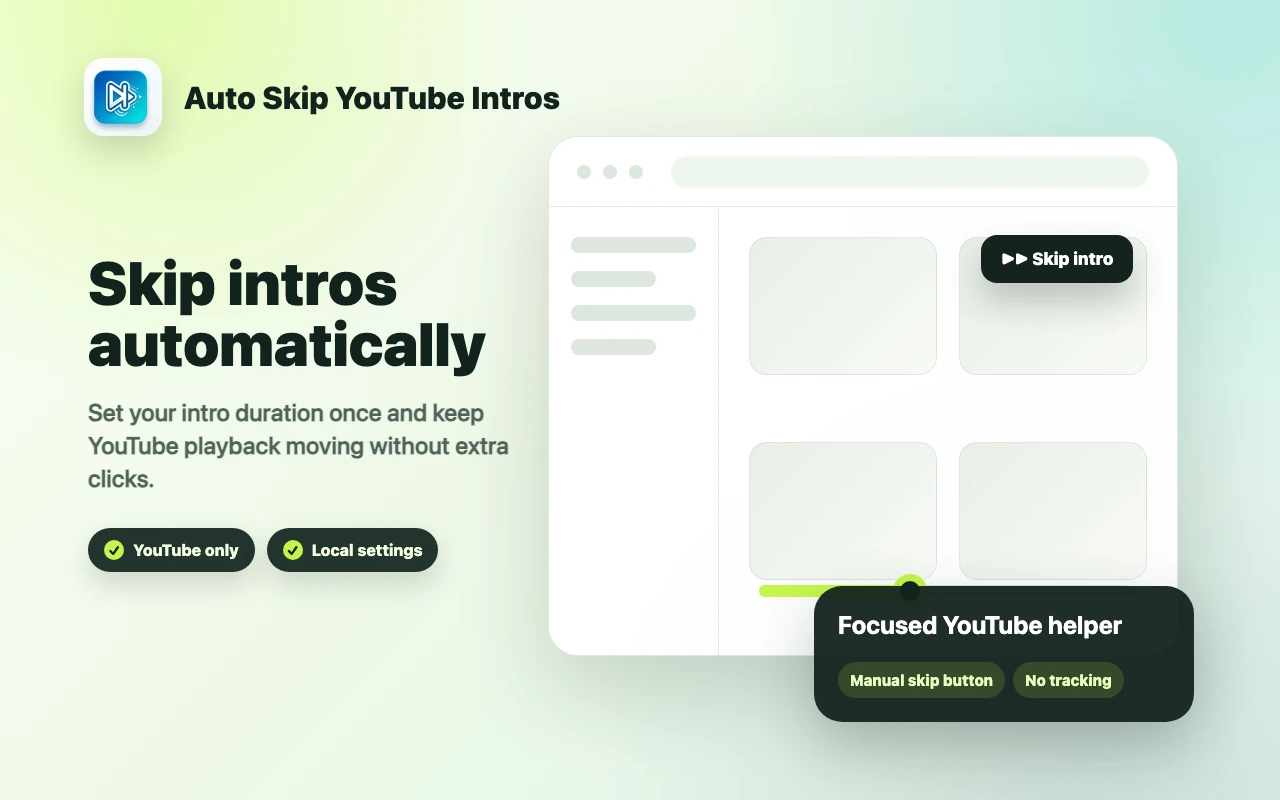

Skip repetitive YouTube intros with a saved duration, simple toggle controls and an optional manual skip button.


Save timestamped notes on YouTube videos, revisit exact moments and export your notes for study or research.
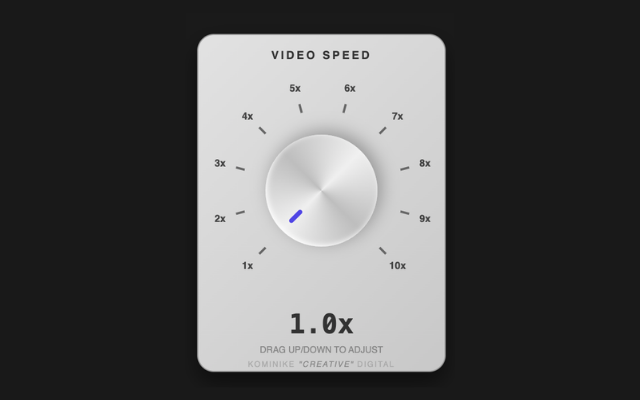

Speed up videos from 1x to 10x with a vintage-style knob or your mouse wheel on YouTube, X, Facebook, Instagram and Vimeo.