Tab Search Pro iconSearch & Browsing

Tab Search Pro

Search open tabs, switch or close them quickly, and optionally include bookmarks only when you open bookmark search.

Tab Search Pro screenshot

What it does

1

Fast tab search

Search tab titles and URLs across open Chrome windows.
2

Multi-word queries

Use multiple terms to narrow results quickly.

3

Optional bookmarks

Bookmark access is requested only when you open the Bookmarks list.

How to use

  1. Press Alt+Shift+T or open the extension.
  2. Type one or more search terms.
  3. Switch to a tab, close one, or open bookmark search when needed.

Permissions

tabs

Lists and searches open tab titles and URLs across Chrome windows.

optional: bookmarks

Requested only when the user opens the Bookmarks list so bookmark titles and URLs can appear in search.

More extensions

Universal Reading Mode screenshot
Universal Reading Mode icon

Universal Reading Mode

Turn cluttered articles into clean, focused reading pages with adjustable typography and distraction-free layout.
Google Search Result Cleaner screenshot
Google Search Result Cleaner icon

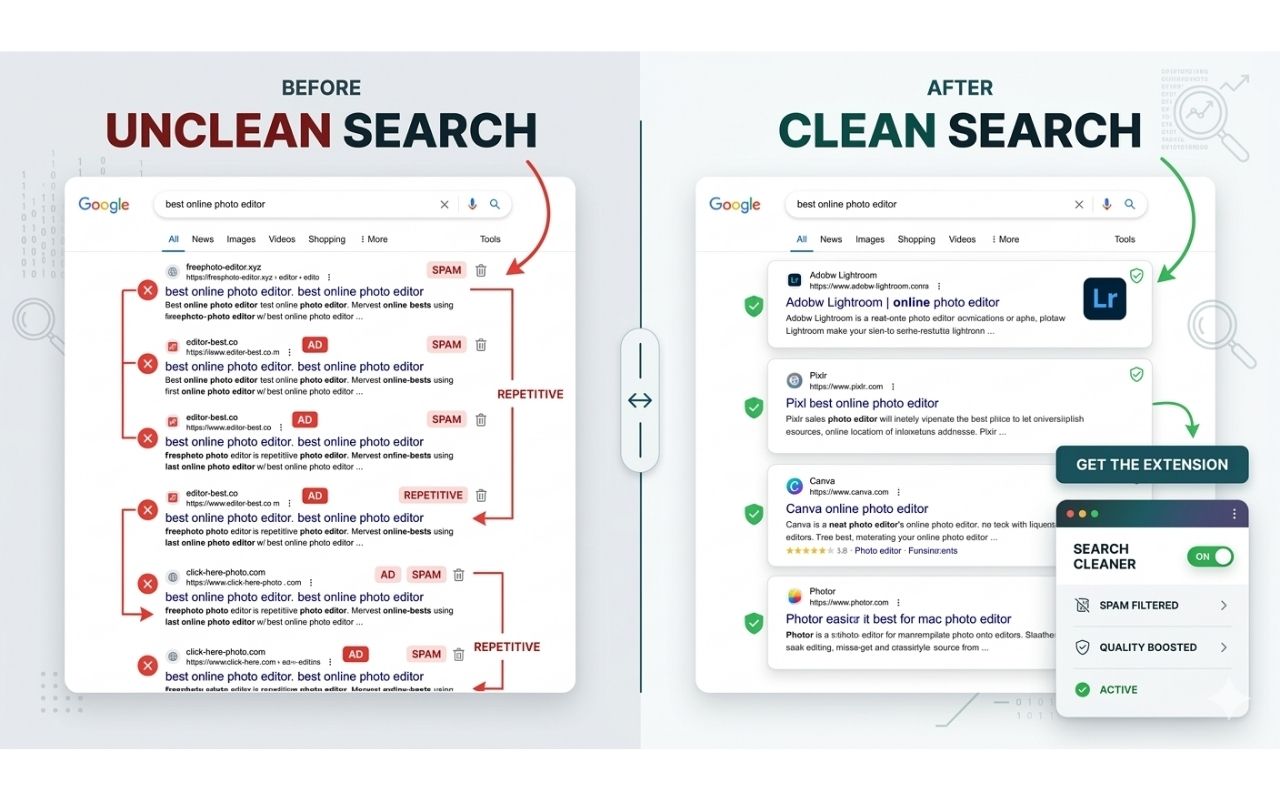
Google Search Result Cleaner

Hide unwanted domains from Google Search results using a local blocklist that you control and can update anytime.

Hover Zoom & Preview screenshot
Hover Zoom & Preview icon

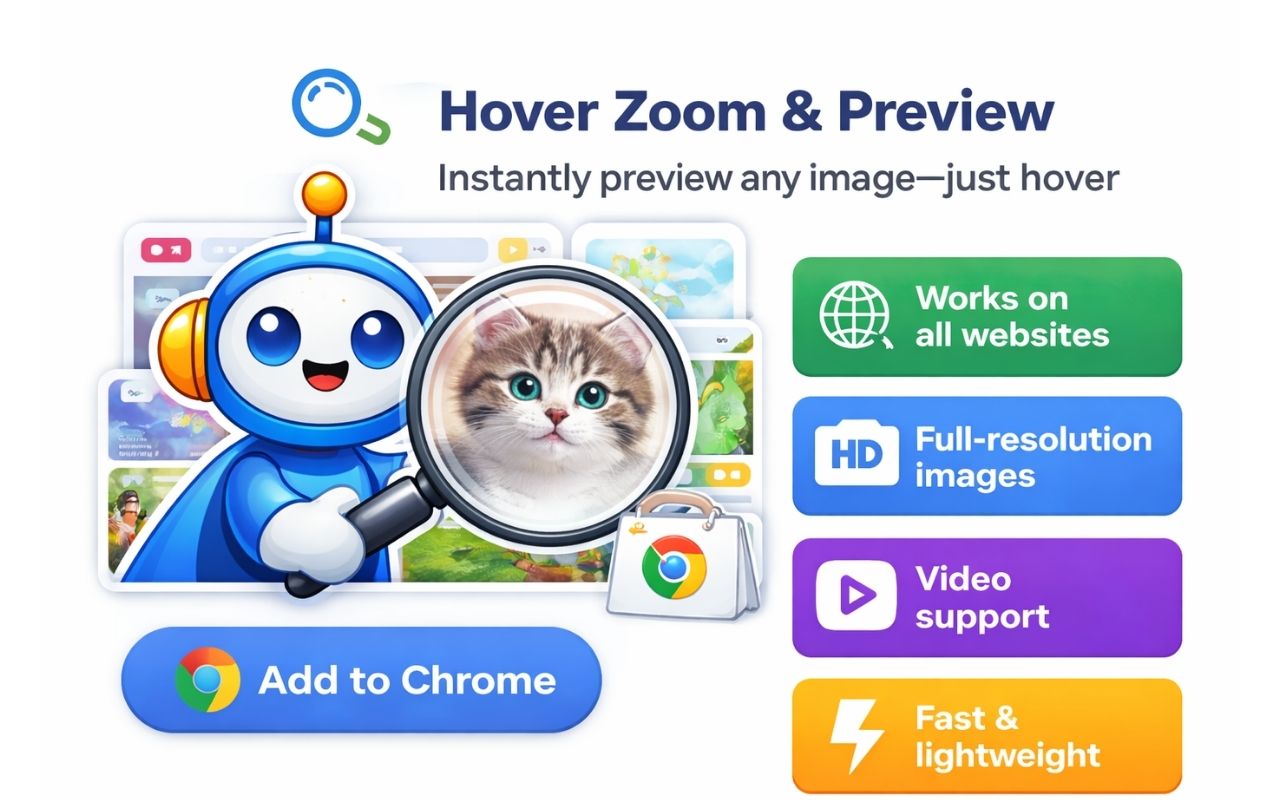
Hover Zoom & Preview

Preview full-size images and supported videos by hovering, without opening new tabs or sending browsing data away.

Questions or bug reports? Contact us.